Create your
next image.
Make social posts, website banners and product photos. Start with a picture or a brief, then add your own text and logo.
Pay as you go. No subscription.


How to create a running shoe banner

Choose a ready-made background, describe a new one or upload your own. Here we start with an empty running track.
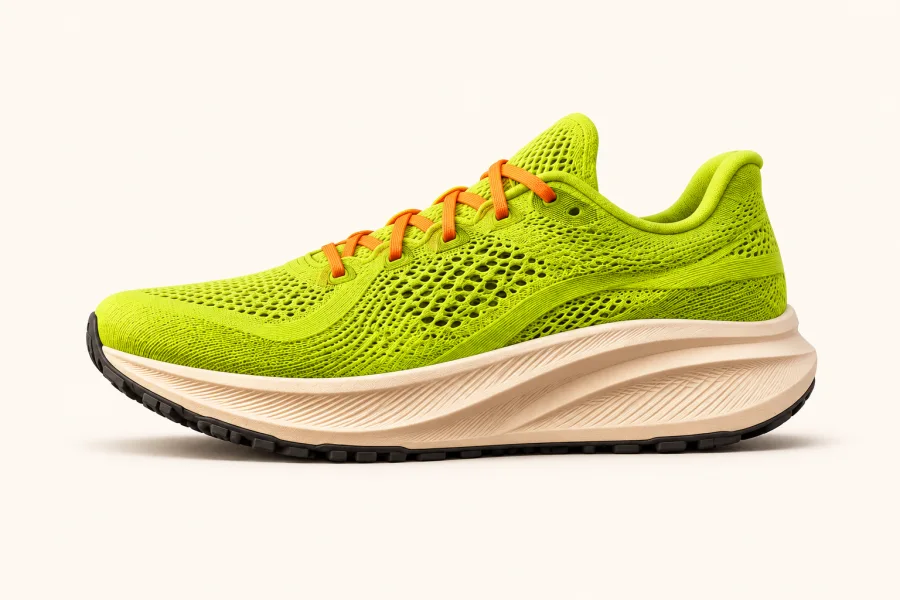
Add one or more clear reference images. For this banner, one side view of the trainer is enough.
Choose your settings
For this banner, choose warm lighting and leave space on the left for a headline. The presets are enough on their own. You can add a written brief if you want more detail.
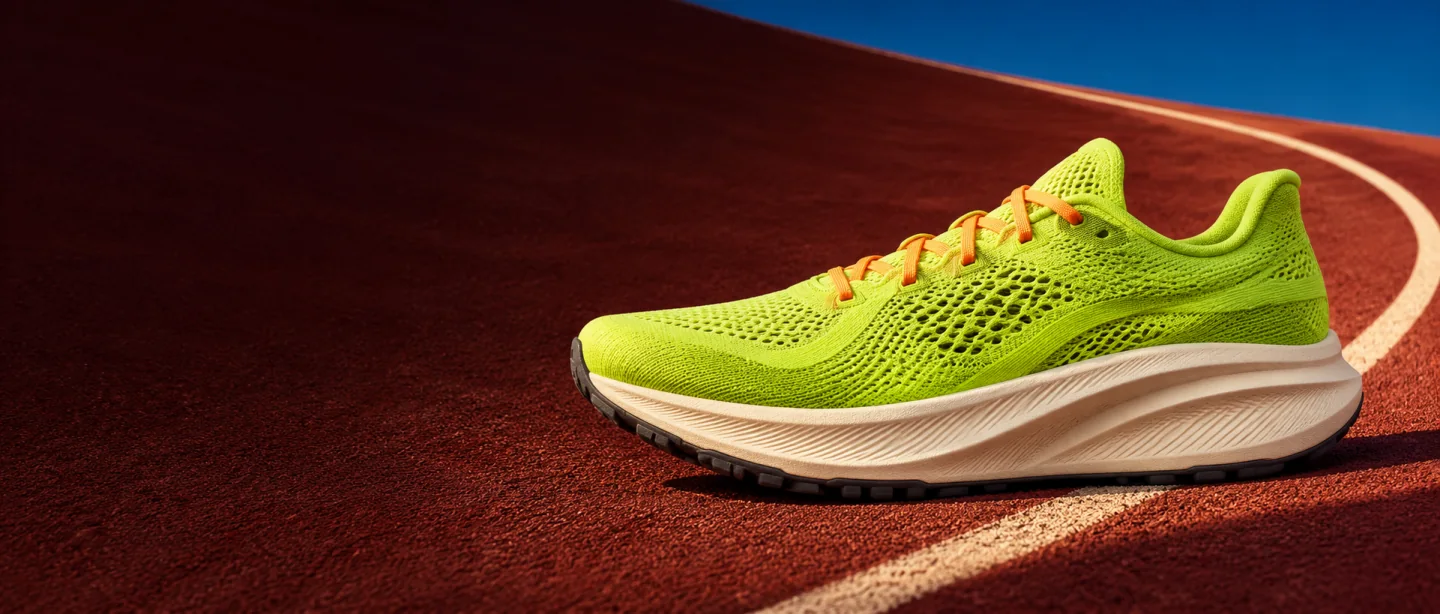 Run
club.
Download the image as it is, or open the editor to crop it, add text or place your logo.
Follow the four steps
Choose a step to inspect it, or play them in sequence.
Illustrated walkthrough using our running trainer campaign.

Try your first image.
Get 3 free welcome credits when you verify your email and confirm your optional newsletter signup. One gift per eligible account and mailbox. Daily limits apply.